
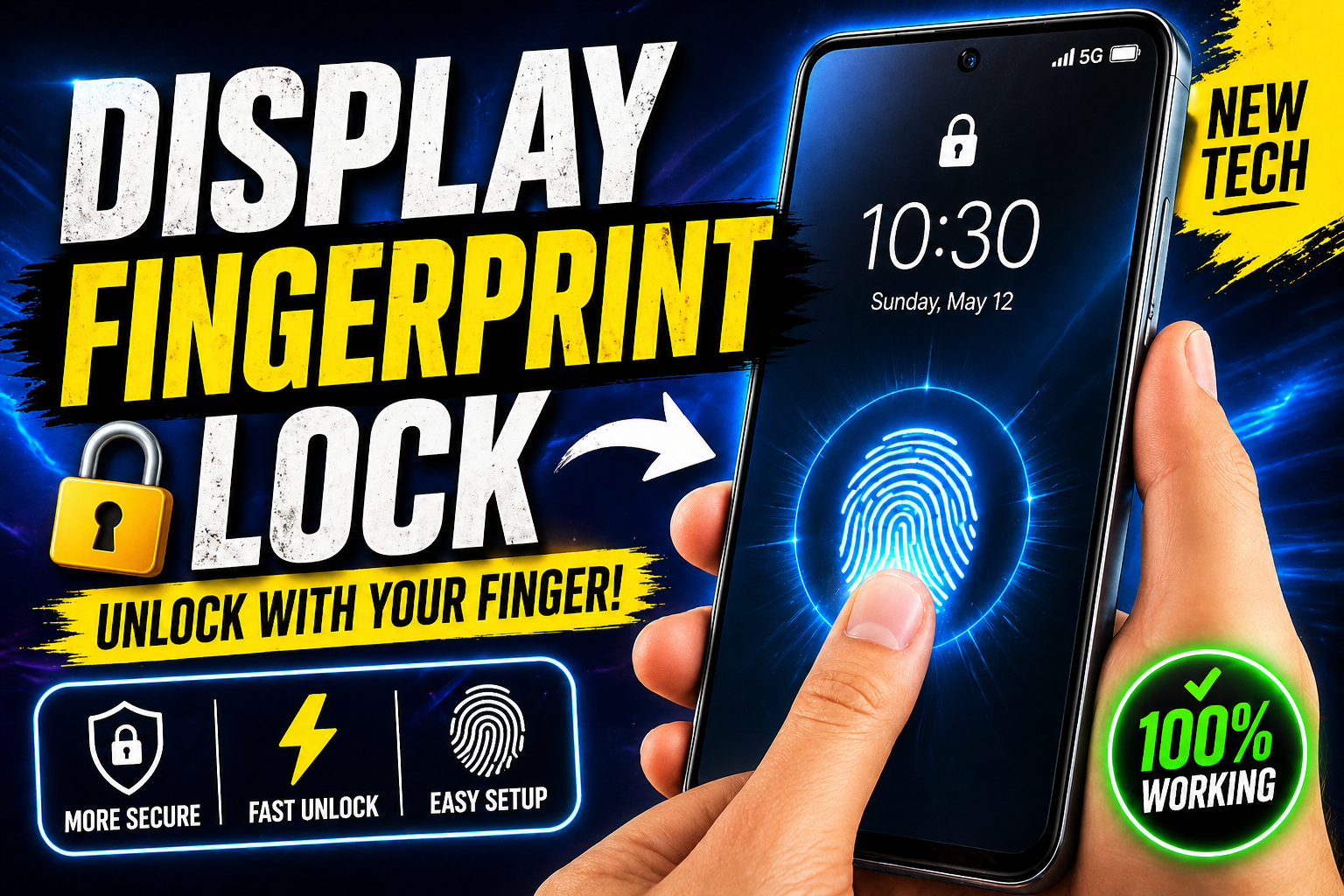
The smartphone industry has seen rapid development in the last decade, among the most notable advancements has been with security functions. Display fingerprint technology is now an increasingly popular option for Android users. It is a convenient way to open devices with no necessity of physical buttons, offering convenience and modern style. The article will explain in depth the way that display fingerprint functions in Android phones, the best way you can set it up and the benefits and drawbacks that have the feature.
What Is a Display Fingerprint?
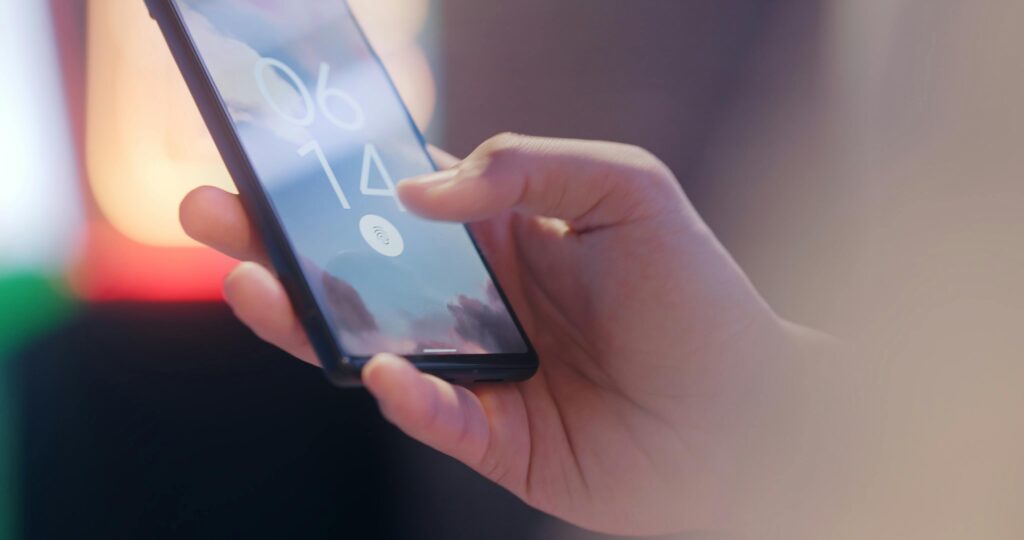
Display fingerprints, also referred to as an in-display fingerprint sensor is a biometric secure device that is built in the display of smartphones. In contrast to traditional fingerprint scanners which can be found at the rear, side or the home button the sensor is concealed beneath the screen. It is as simple as placing your finger in a designated part of the display and the device will be unlocked in minutes.
The idea behind this technology is to increase usability and aesthetics. In removing the requirement for external sensors, designers can design slimmer devices with bigger screens, and less physical obstructions. This makes unlocking process seem more natural since users are able to interact directly with their display.
Evolution of Fingerprint Technology in Android Phones
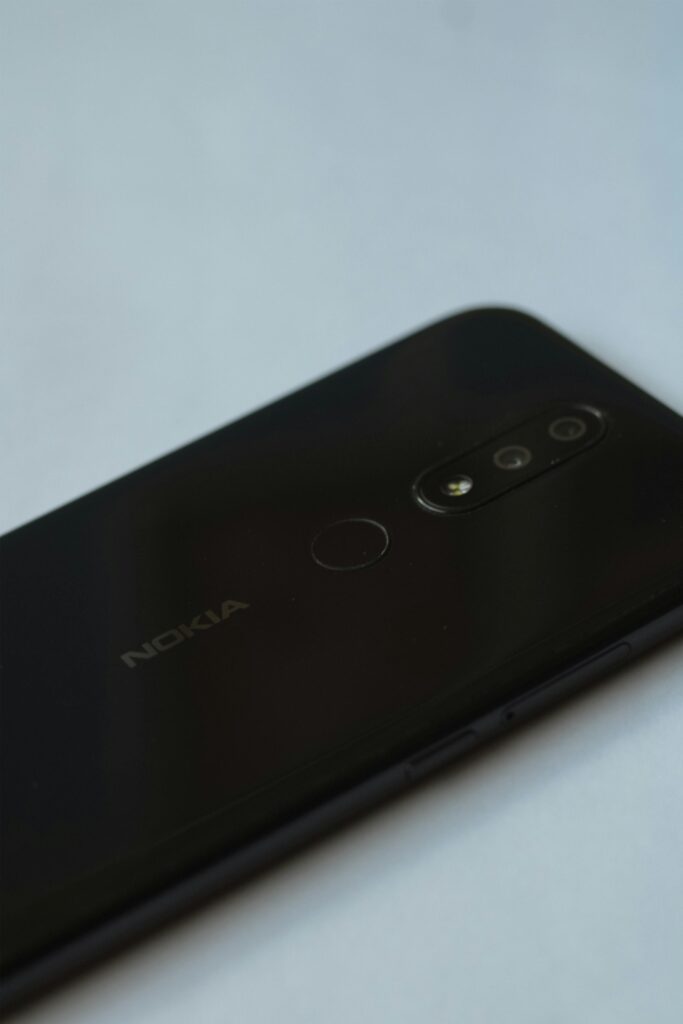
Before the display fingerprint technology was widespread, Android phones relied on physical fingerprint sensors. They were typically located on the back of the phone or included in the button for power. They were efficient and quick, they did have some issues in the style and accessibility.
With the shift of smartphone design towards Full-screen displays, designers needed an innovative solution. The result was the creation of fingerprint sensors in display. Initially, this option was restricted to high-end devices however, over time, it’s become more readily available and is accessible in a variety of mid-range phones and tablets.
The shift from sensors that are physical to technology that displays in-display data reflects the focus of industry leaders on the integration of functionality and design ingenuity.
How Does Display Fingerprint Work?
Display fingerprint technology uses sensors that are placed beneath the screen. The sensors analyze and read the distinctive patterns that make up your fingerprint. There are two varieties of sensors found on Android devices.
The optical sensors are by far the most commonly used form of sensor. They make use of light to take images of your fingerprint. If you press your finger against the screen, a tiny area of the screen is lit up, allowing the sensor to create an accurate photograph of your fingerprint. This picture is later contrasted with the data stored within your device.
Ultrasonic sensors are much more advanced. Instead of relying on light, they make use of sounds. They bounce off the finger, creating a 3-D image of the fingerprint. This is typically safer and more precise since it can capture more details as well as the thickness of the ridges on your fingerprint.
After the fingerprint has been scanned The system then quickly compared the fingerprint with information stored. If the match is positive then the phone is unlocked quickly. The entire process takes just a few seconds which makes it extremely efficient as well as user-friendly.
How to Set Up Display Fingerprint on Android
The process of setting up a fingerprint display for the Android smartphone is easy. The steps involved may differ little bit based on the manufacturer and model, however it’s a similar process to the majority of phones.
Begin by opening the Settings menu of your phone. You will find the Security Privacy, Security or Biometrics section. In this menu, you will see the option to fingerprint. If you choose it the system will walk you through the process of setting it up.
The user will be required to apply your finger to the screen several times. This will allow the device to record different angles and the details that your finger prints. Be sure to adhere to the directions carefully in order to get better precision.
After you’ve completed the setup process after which you are able to make use of the fingerprint feature to lock your device, open apps or authorize payment, dependent on the phone’s capabilities.
Tips for Better Fingerprint Performance
For the best experience possible from the fingerprint sensor on your display, there are some simple steps you can take.
Be sure that your fingers are clear and dry while scanning. The presence of dirt or moisture could affect the precision of the scanner. When setting up, make sure to be sure to cover all the areas of your finger to ensure that your system is able to capture an entire image. The same finger being registered repeatedly can increase the speed of recognition.
The use of a top-quality screen protector is essential in addition. Protectors with a high-quality or thick design could hinder the performance of your sensor. Selecting a suitable protector will ensure more fluid operation.
Benefits of Display Fingerprint Technology
The fingerprint display technology has many benefits that make it a popular choice among many people.
One of the major advantages is its simplicity. The process of unlocking your phone is quick and simple, with one touch to the display. This is faster than the process of entering a password, or pattern.
Another plus is the sleek appearance it offers. In the absence of sensor technology, smartphones be larger in size and have a better-looking look. This improves the overall experience for users.
The security aspect is an additional feature. Fingerprints are distinctive to each user, making it very difficult for unauthorised users to gain access the device. Sensors in display add an additional layer of security without losing user-friendliness.
Furthermore, it supports various applications. In addition to unlocking phones and allowing for app authentication, it is also able to be used to perform app authenticating transactions and for transaction security, dependent on the handset.
Limitations and Challenges
Although it has its benefits Display fingerprint technology does have several limitations which the users need to be conscious of.
A common problem is the performances under certain circumstances. The presence of oil, water, or dirty hands can cause problems for sensors to detect fingerprints precisely. It could lead to slower unlocking and failures.
A different issue concerns screen protectors. Protectors that are not designed for screens can decrease the sensor’s sensitivity and affect its effectiveness. This is particularly true in the case of thicker and less expensive options.
The speed can vary based on the kind of sensor. Optics sensors, although widespread, can be slower than traditional ultrasonic scanners or fingerprint sensors.
Additionally the technology can be used only in devices with certain display options including AMOLED and OLED displays. That means that this technology may not be available on the majority of Android smartphones.
Which Android Phones Support Display Fingerprint?
Fingerprint sensors for display are often found on smartphones equipped that have OLED or AMOLED display. Screens with these types enable the sensor to function effectively beneath the display.
Numerous smartphone manufacturers now offer this feature on both the mid-range and top-end models. As technology gets cheaper, it’s anticipated to show up in less expensive choices in the coming years.
If you’re considering purchasing an additional phone, and you want the feature, it’s essential to look up the specs to verify its existence.
Future of Display Fingerprint Technology
The future of the display fingerprint technology is looking promising. Companies are always striving to increase the speed, accuracy and security. The latest developments could enable sensors to be able to cover a larger area of the display, which makes it much easier to open devices at different angles.
It is also a subject of ongoing research for enhancing performance when faced with difficult circumstances, including slippery or dirty hands. Once these enhancements are in place to improve the user experience, overall performance will improve over time.